eWeLink Subscription Plan

eWeLink plans offer enhanced features and a better user experience, making home automation simpler, more professional.

Plans Comparison

  • Basic

    💲0

    All basic features are available for free

  • Advanced

    💲9.9/year

    • CarPlay/Android Auto Integration
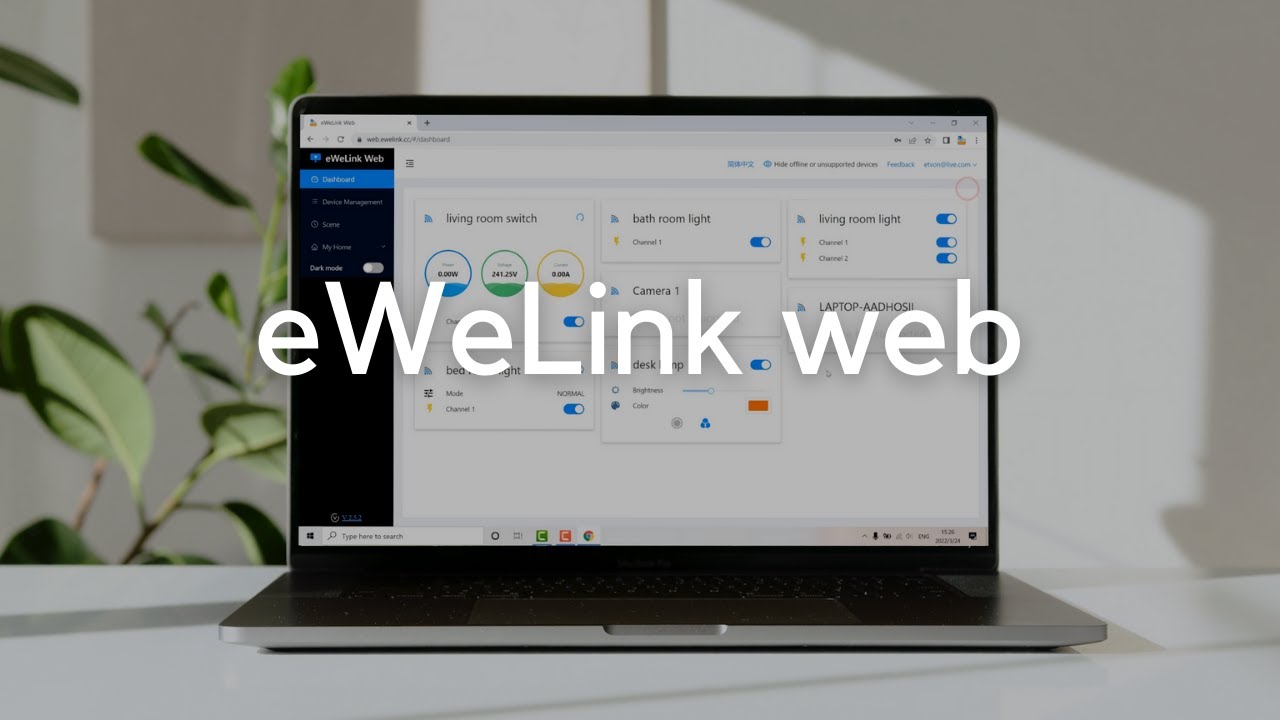
    • eWeLink WEB
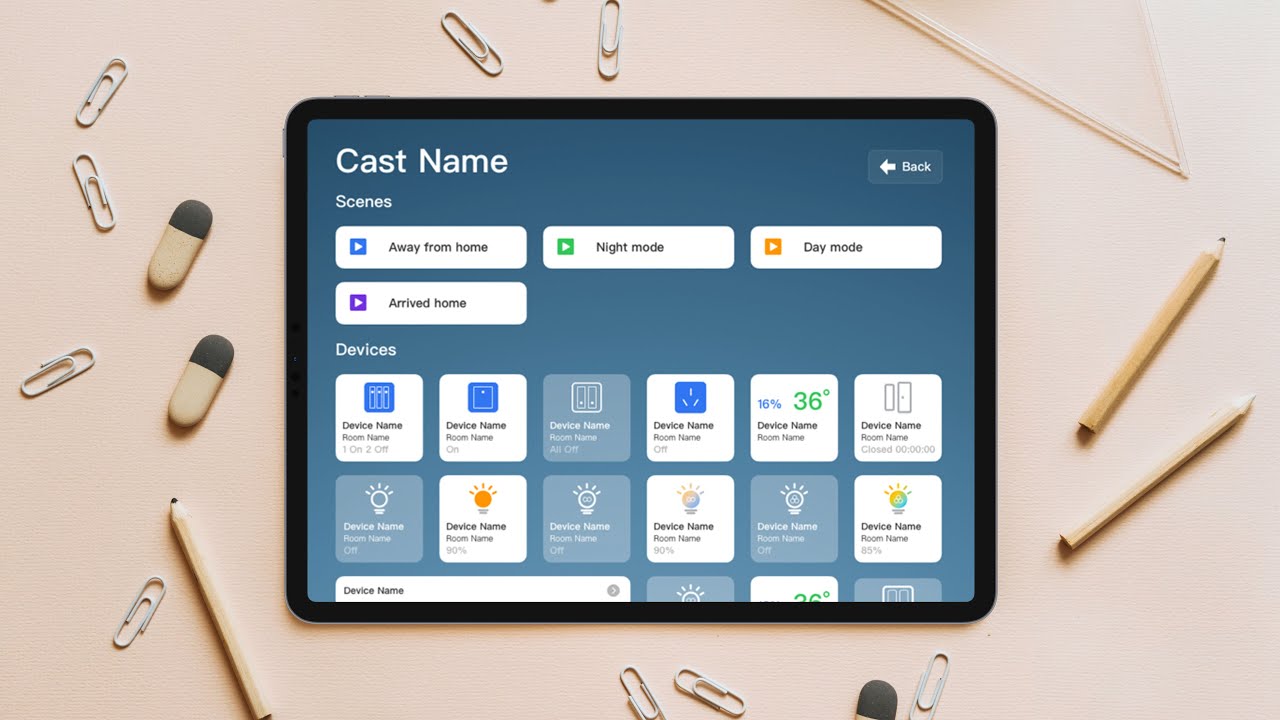
    • eWeLink CAST
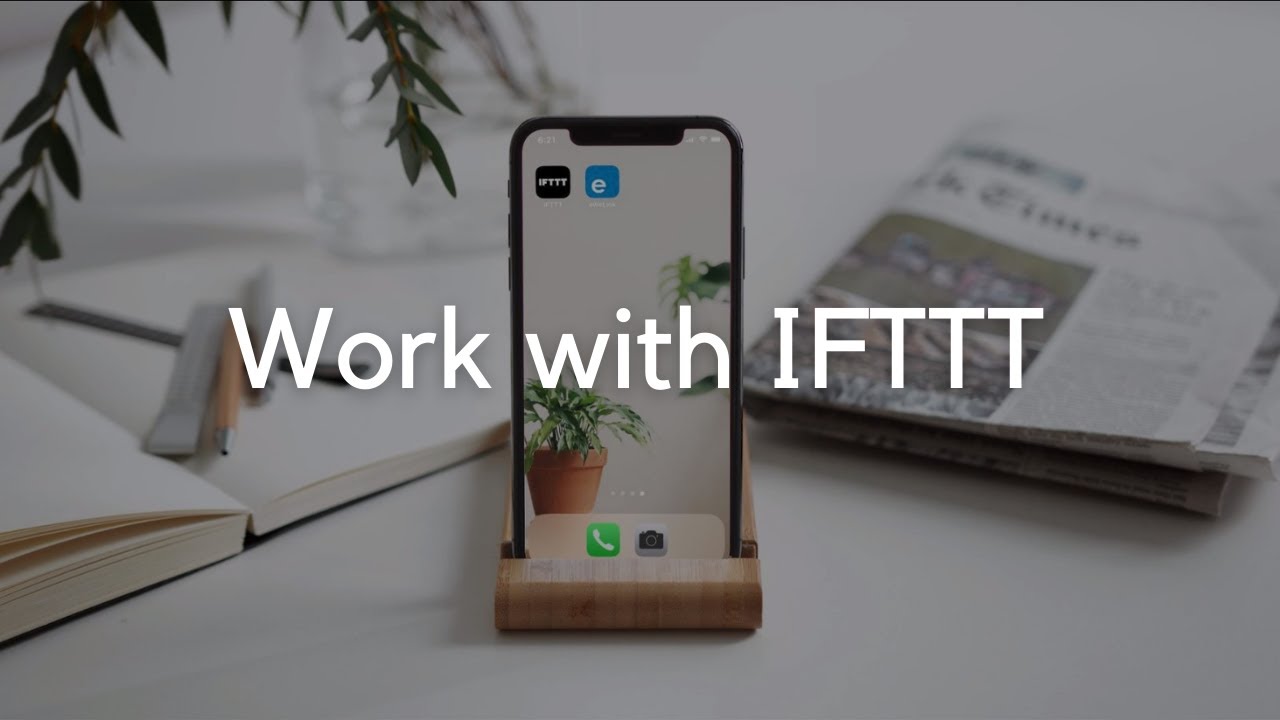
    • Integration with IFTTT
    • eWeLink Webhooks
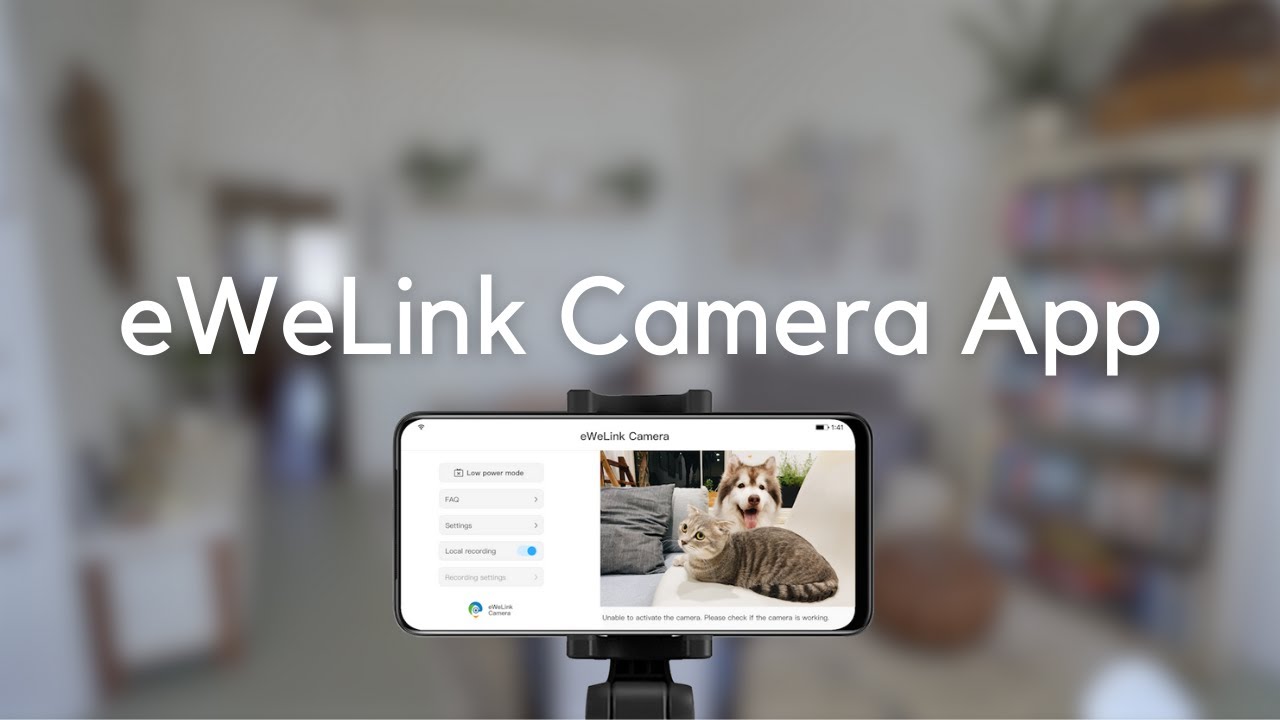
    • eWeLink Camera App
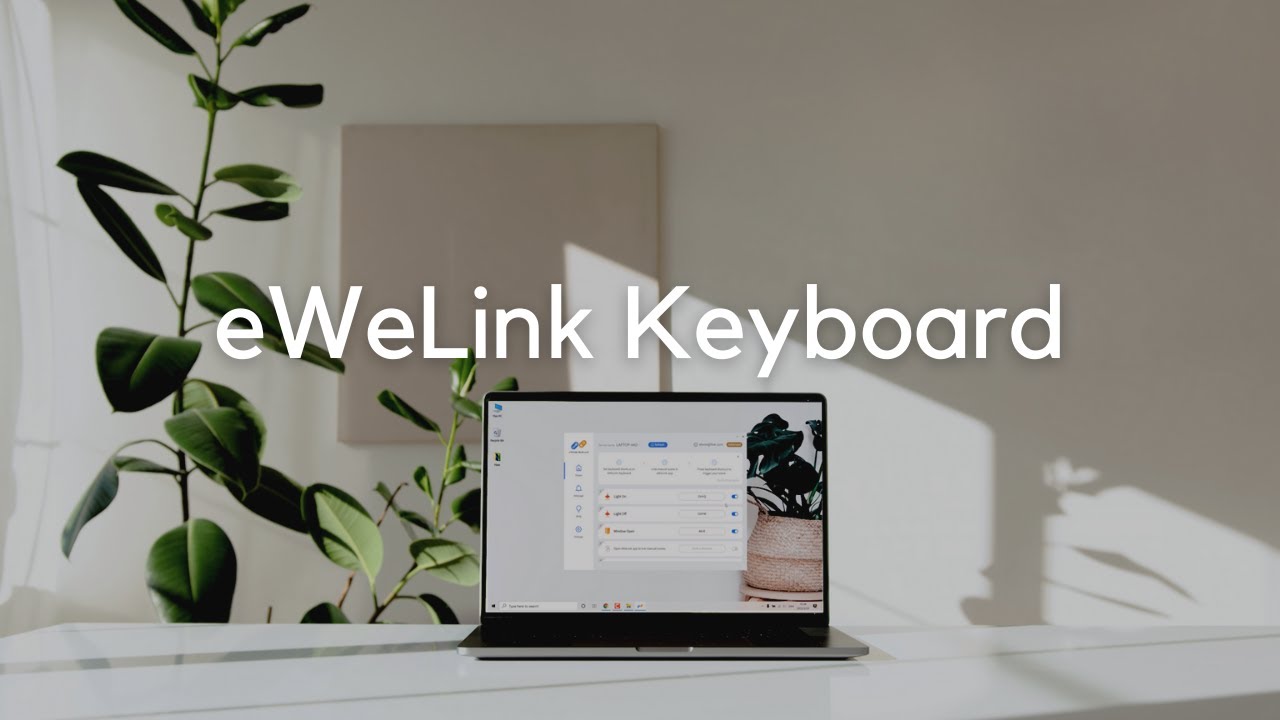
    • eWeLink Keyboard Shortcuts
    • eWeLink CamSync
    • Expanded Capacities
    • Up to 5 Virtual Devices
    • Up to 10 Thermostat Plugins
  • Prime

    💲19.9/year

    • Everything in Advanced Plan , and:
    • eWeLink on Wear OS Android Watch
    • SONOFF Official Store Coupons
    • Floor Plan
    • eWeLink MCP Server
    • Up to 200 sharing limit per device
    • Up to 10 Virtual Devices
    • Up to 15 Thermostat Plugins

Choose Your Plan

All plans automatically renew yearly unless cancelled.

Advanced Plan

USD 9.9 /year
Most Popular

Prime Plan

USD 19.9 /year
Android Wear OS Watch Control
eWeLink MCP Server
Floor Plan
Special Discounts at SONOFF Online Store
10 Thermostat Plugins
Virtual Device
CarPlay/Android Auto Integration
eWeLink WEB
eWeLink CAST
eWeLink Keyboard Shortcuts
eWeLink Integration with IFTTT
Expanded App Capacities
eWeLink Webhooks
eWeLink Camera App
eWeLink CamSync

* Supports PayPal payments. Subscription renews yearly, can be canceled at any time, and is non-refundable.

eWeLink Prime Highlights

Everything in Advanced Plan, plus:

  • prime_01.png

    Floor Plan

    Visualize your home layout and manage devices with the Floor Plan view.

  • prime_02.png

    eWeLink MCP Server

    MCP-based service enabling AI clients to integrate with eWeLink smart devices.

  • prime_03.png

    eWeLink on Wear OS

    Control devices and scenes directly from your Wear OS smartwatch.

  • prime_04.png

    SONOFF Official Store Coupons

    Yearly subscribers get free-shipping and discount coupons for the SONOFF Store.

eWeLink Advanced Highlights

  • vip_advanced_01.png

    eWeLink Web

    Manage & control devices via any browser, with just a few clicks.

  • vip_advanced_02.png

    eWeLink Cast

    Create your smart home dashboards to control devices in new ways.

  • vip_advanced_03.png

    CarPlay/Android Auto

    Control your devices from your car's display safely with a touch.

  • vip_advanced_04.png

    Thermostat Plugins

    Turn sensors and switches into a smart thermostat with automated control.

  • vip_advanced_05.png

    Energy Estimation

    Estimates energy usage and efficiency for devices without built-in metering.

  • vip_advanced_06.png

    Virtual Devices

    Create Virtual Devices for seamless automation across platforms.

  • vip_advanced_07.png

    eWeLink Integration with IFTTT

    Connect your devices with popular online services like Google Sheets and Location.

  • vip_advanced_08.png

    eWeLink Webhooks

    Create custom integrations between the eWeLink app and other apps or services.

  • vip_advanced_09.png

    eWeLink Keyboard Shortcuts

    Control devices via keyboard shortcuts on your PC or Mac's keyboard.

  • vip_advanced_10.png

    Expanded Capacity

    Unleash higher limits, such as homes, scenes, and device sharing.

  • vip_advanced_11.png

    eWeLink Camera App

    Reuse your Android phone into a security camera, baby monitor in 3 minutes.

  • vip_advanced_12.png

    eWeLink CamSync

    Watch live video of your most RTSP cameras like Hikvision on eWeLink app.
eWeLink Plans Comprehensive Tutorial

Need a complete exploration guide covering every exclusive feature?

Q & A

Q1: What are eWeLink Plans?

eWeLink Prime & Advanced Plan provide users with access to premium features.

Prime Plan only features include Floor Plan, eWeLink MCP Server, eWeLink on Wear OS, and SONOFF Official Store Coupons

Both plans include eWeLink CarPlay IntegrationeWeLink CASTeWeLink WEBeWeLink Integration with IFTTTeWeLink WebhookseWeLink Camera AppeWeLink Keyboard ShortcutseWeLink CamSync, and expanded capacity in eWeLink App.

Q2: How can I join the eWeLink Plans?

- Subscribe on this website with your email-based eWeLink account.

- Or subscribe in the eWeLink app - Profile.

Q3: Does the subscription auto-renew? How can I manage it?

The subscription is non-refundable and auto-renews. Canceling it keeps your plan active until the end of the current period.

- If you subscribed on our website, use the “View your order” link in your confirmation email to manage or cancel your subscription.
- If you subscribed in the app, please manage your subscription through the App Store or Google Play.

Q4: Why isn't my membership activated after payment?

- Activation delay: Activation usually takes 5–10 minutes.

- Already active: If the Membership card on the Profile page shows your plan name and expiration date, your subscription is active.

- Account mismatch: If you subscribed on our website, make sure you’re logged into the app with the same eWeLink account used for the purchase.

Q5: How can I provide feedback or get help about eWeLink Plans?

Welcome to discuss and share your ideas with all members together in the 'eWeLink Plans' category of our forum, or contact us at plans@ewelink.cc.